


File handling
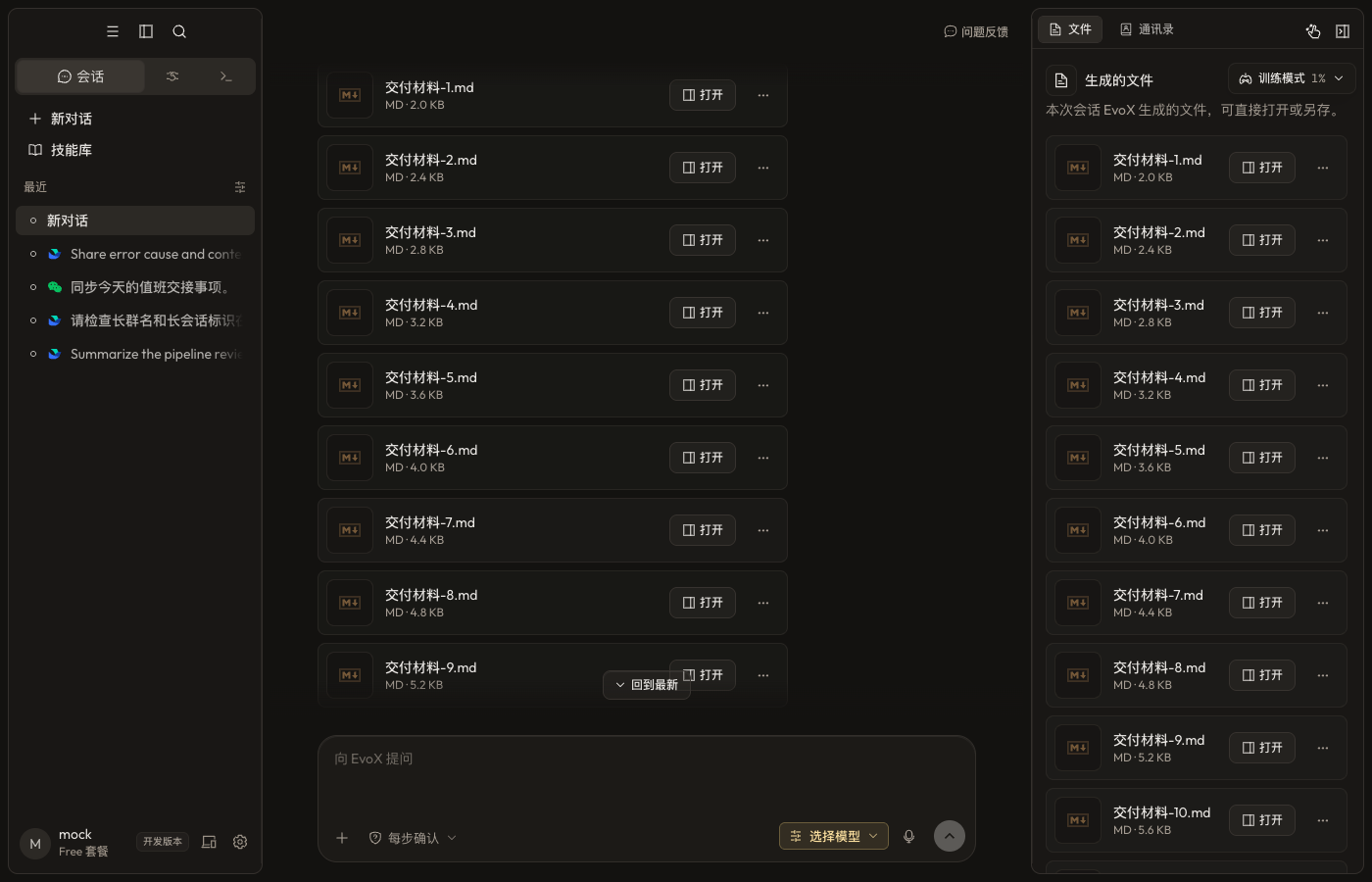
EvoX can read conversation attachments and files in authorized project folders, create new artifacts, and preview, revise, and export supported file types.
Provide source files
- Attach files that only apply to the current request.
- Put repeatedly used material in an authorized project folder.
- Choose a local directory or Git repository for Code and attach related directories when needed.
- State which files are read-only, which may be changed, where outputs belong, and whether overwriting is allowed.
Create and preview
Depending on available tools and plugins, EvoX can produce Markdown, HTML, PDF, documents, presentations, spreadsheets, images, audio, and other artifacts. The preview shows rendered output, source, or both according to the file type.
HTML can offer rendered and source views. Site deliverables can offer page, source, and side-by-side modes.
Revise an existing file
Name the target file, requested change, and content that must remain stable. Continue editing the existing artifact unless a new version or copy is explicitly requested. Re-render office files and PDFs before export to check pagination, tables, fonts, and images.
Versions and provenance
The artifact list only contains real generated files or explicit preview-tool results; assistant prose alone does not manufacture a file. Verify the active version before continuing edits.
Open the data-cleaning placeholder video
File safety
List the impact before bulk moves, overwrites, or deletion. Do not treat project membership as whole-disk access. Archives, scripts, and web downloads are untrusted input. Before handoff, verify that the file opens, its format and location are correct, and no secrets or restricted data are included.
EvoX Docs · Features · Capabilities