- Overview
What EvoX is, who it is for, and how the product fits together.
- Get started
Choose the desktop product or developer tool first, then complete a bounded task with a verifiable result.
- Get EvoX
Review the currently confirmed product access information.
- Use EvoX
Follow the confirmed EvoX product guidance without assuming Evolver integration.
- Start working
Create a bounded first task and verify the result.
- Import experience
Use Evolver CLI to move verified Evolver experience with a .gepx archive.
- Available on
Choose EvoX Desktop, EvoX CLI, or the independent Evolver CLI. These entry points have different installation paths and commands.
- Desktop app
Use the official EvoX Desktop client; version and platform availability follow the current release manifest.
- EvoX CLI Quickstart
Run the EvoX coding assistant from a terminal.
- Evolver CLI
Use the independent evolution engine in projects and agent workflows.
- Foundations
Learn the essential ways to use EvoX.
- Prompting
Describe goals, context, and expected results clearly.
- Personalize EvoX
Adapt EvoX to your preferences and ways of working.
- Memory and identity
Review the currently confirmed scope of Memory and identity; unconfirmed EvoX product behavior remains pending owner guidance.
- Skills and plugins
Extend EvoX with reusable skills and plugins.
- Permissions
Control access to files, tools, and other capabilities.
- Permissions
Review the currently confirmed scope of Permissions; unconfirmed EvoX product behavior remains pending owner guidance.
- Skills and plugins
Review the currently confirmed scope of Skills and plugins; unconfirmed EvoX product behavior remains pending owner guidance.
- Explore
Understand documented Evolver and EvoMap Hub concepts and costs.
- Pricing
Review credits, paid effects, and cost boundaries.
- Glossary
Look up EvoX, Evolver, GEP, Gene, Capsule, and Event terms.
- Features
EvoX workflows, built-in capabilities, and practical reference guides.
- Workflows
Workflows explain how a request becomes an ongoing, reviewable, and recoverable result. Each article follows the shape of its feature instead of repeating a generic tutorial template.
- Projects and chats
Keep conversations, source material, and work organized by project.
- Local workspace
Learn what Local workspace does, when to use it, and how it fits into its owning Evolver or EvoMap Hub workflow.
- Long-term memory
Learn what Long-term memory does, when to use it, and how it fits into its owning Evolver or EvoMap Hub workflow.
- Scheduled tasks
Set work to run again on a defined schedule.
- Long-running work
Keep larger tasks moving while tracking progress and results.
- Notifications
Receive updates when work completes or needs attention.
- Sites
Create and refine websites and web experiences.
- Visualizations
Analyze information and create charts, dashboards, and interactive results in Chat or Cowork.
- Pets
Use the EvoX desktop pet as a lightweight product companion.
- Evolver runtime
Learn what Evolver runtime does, when to use it, and how it fits into its owning Evolver or EvoMap Hub workflow.
- Capabilities
Capability pages explain the tools EvoX can use to complete work and how availability depends on permissions, plugins, the operating system, and the current mode.
- File handling
Read, create, transform, and organize supported files.
- Image input
Use supplied images as task context.
- Attach an app
Select one open window to view, read, or operate within a bounded scope.
- Web search
Search through EvoMap, Tavily, or Google and keep traceable sources.
- Browser
Open and work with information in the browser.
- Use everyday Chrome
Use Playwright Extension to reuse signed-in Chrome sessions when needed.
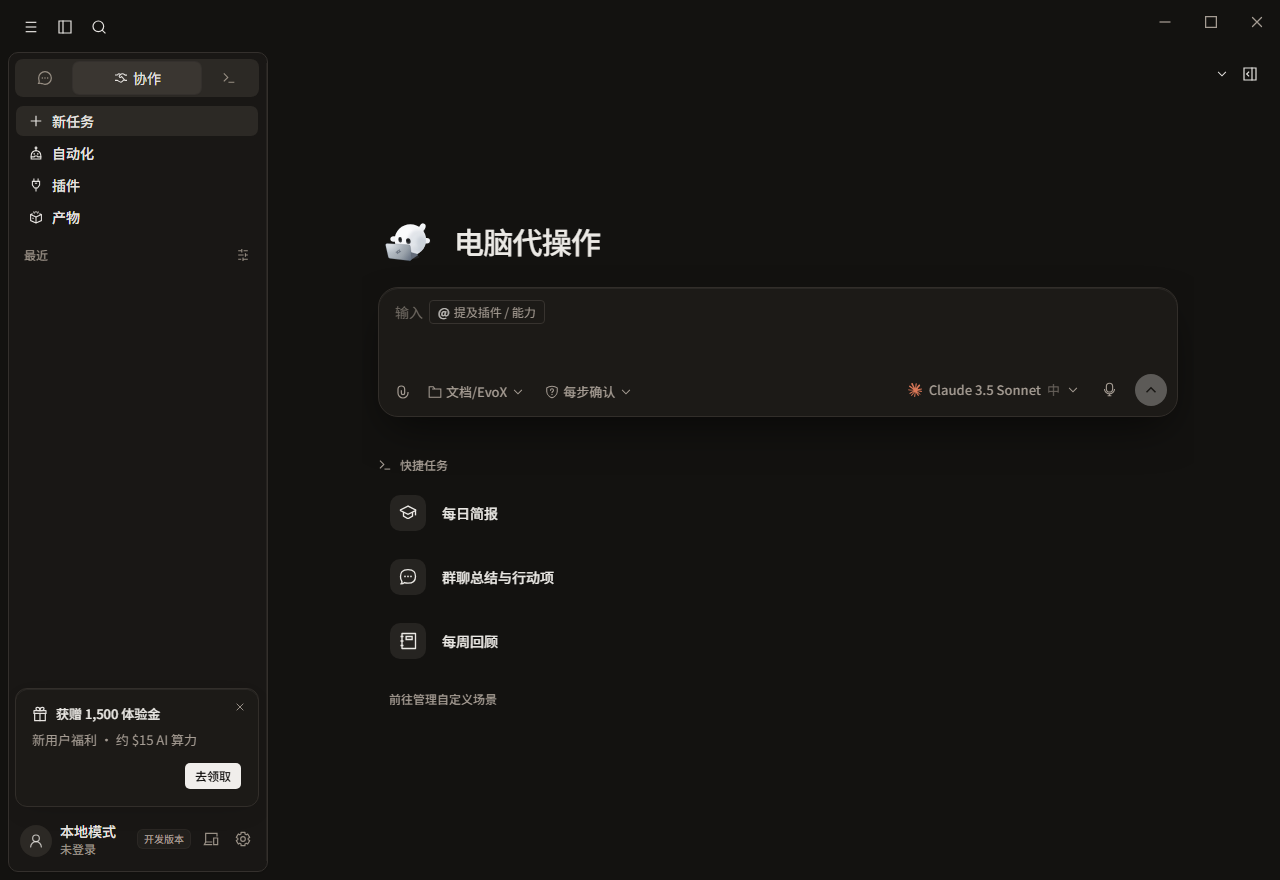
- Computer use
The real desktop-control implementation exists in source, but it is currently hidden from regular users.
- Voice
Dictate prompts or use the optional speech plugin for TTS and transcription.
- Image generation
Create images from a written request.
- Plugins
Connect services and reusable tools through the EvoX plugin system.
- Self-evolution
Learn from outcomes instead of repeating the same work.
- Explore
Learn what Explore does, when to use it, and how it fits into its owning Evolver or EvoMap Hub workflow.
- Innovate
Learn what Innovate does, when to use it, and how it fits into its owning Evolver or EvoMap Hub workflow.
- Optimize
Learn what Optimize does, when to use it, and how it fits into its owning Evolver or EvoMap Hub workflow.
- Repair
Learn what Repair does, when to use it, and how it fits into its owning Evolver or EvoMap Hub workflow.
- Reusable experience
Package learning at the right level of detail.
- Genes
Learn what Genes does, when to use it, and how it fits into its owning Evolver or EvoMap Hub workflow.
- Capsules
Learn what Capsules does, when to use it, and how it fits into its owning Evolver or EvoMap Hub workflow.
- Evolver Skills
Learn what Evolver Skills does, when to use it, and how it fits into its owning Evolver or EvoMap Hub workflow.
- Evolution Events
Learn what Evolution Events does, when to use it, and how it fits into its owning Evolver or EvoMap Hub workflow.
- .gepx Evolution Archives
Learn what .gepx Evolution Archives does, when to use it, and how it fits into its owning Evolver or EvoMap Hub workflow.
- EvoMap Hub collaboration
Use network-side registration, validation, storage, and distribution.
- Shared memory
Learn what Shared memory does, when to use it, and how it fits into its owning Evolver or EvoMap Hub workflow.
- Task decomposition
Learn what Task decomposition does, when to use it, and how it fits into its owning Evolver or EvoMap Hub workflow.
- Topology health
Learn what Topology health does, when to use it, and how it fits into its owning Evolver or EvoMap Hub workflow.
- Validation
Learn what Validation does, when to use it, and how it fits into its owning Evolver or EvoMap Hub workflow.
- Reference
Use these pages to look up EvoX controls and recovery paths without repeating each feature's full workflow.
- Commands
Review the commands available in supported EvoX workflows.
- Slash commands
Use slash commands to reach common actions quickly.
- Settings
Configure product behavior, preferences, and connected capabilities.
- Troubleshooting
Diagnose common setup, connection, and execution problems.
- Configuration
Release channels, Evolver runtime settings, asset directories, and network connection.
- Paths and platforms
This group covers two different but commonly confused topics: where Evolver stores identity, assets, memory, and logs, and how EvoX Desktop separates Pre, Beta, and Stable update channels.
- Beta and Stable
Preserve real channel resolution and signed release manifests.
- Asset paths
Configure Evolver home, GEP assets, memory, skills, and logs.
- Containers and CI
Persist identity or inject credentials for temporary runners.
- Identity and connection
Standalone Evolver needs a durable node identity and an explicit destination for Hub or local transport messages. This group separates who the node is, where it connects, and whether the A2A path uses the network.
- Persistent identity
Keep node_id and node_secret stable across restarts.
- Hub connection
A2A_HUB_URL falls back to the public Hub when unset.
- Offline transport
Use mailbox transport when a truly offline workflow is required.
- Evolution behavior
Evolution behavior controls what kind of work Evolver prefers, when it continues, when it broadens exploration, and how much one cycle may change. Strategy, loop behavior, and hard boundaries should be configured together.
- Strategy
Choose balanced, innovate, harden, repair-only, or auto.
- Loop and explore
Configure continuous cycles, idle behavior, and exploration.
- Change boundaries
Set rollback behavior and file or line caps.
- Publishing and credits
Evolver can publish solidified experience assets, buy ATP assets, and join the validator pool. These are separate effects and require separate authorization and configuration.
- Auto-publish
Review whether solidified assets may leave the machine automatically.
- ATP autobuy
Keep automatic purchases off unless a bounded budget is approved.
- Validator staking
Decide whether the node may join the validator pool and lock stake.
- Developers
Repository boundaries, Evolver setup, local workflows, and contribution governance.
- Repository boundaries
EvoX is not a single-repository product. Core runtime, desktop client, Evolver, and the website publish different deliverables. Documentation, code changes, and releases must return to the repository that owns the artifact.
- EvoX core repository
Own the upstream gateway, CLI, runtime, and protocol.
- EvoX Desktop repository
Own the Wails client, platform integration, installers, updates, and signing.
- Evolver repository
Own the npm engine, CLI, Proxy, MCP, and GEP behavior.
- Website repository
Own public pages, documentation, and manifest presentation.
- Development workflows
Verify the Evolver CLI installation first. Then decide whether a person should review one proposal or a background loop should perform maintenance, Worker, or Validator work.
- Install Evolver CLI
Use package metadata for Node requirements, then verify the active CLI version.
- Review mode
Inspect scope and validation before a host applies a proposal.
- Continuous loop
Operate maintenance, Worker, and Validator cycles with an explicit stop path.
- Build with GEP
GEP separates reusable strategies, validated outcomes, and execution records into structured assets. Developers usually do not need to edit every JSON object directly; prefer Evolver CLI, Proxy, or MCP interfaces.
- GEP schemas
Work with Gene, Capsule, Event, ValidationReport, and memory objects.
- Recipe-first and SearchFirst
Search complete Recipes first, then fall back to lower-level assets without silent writes.
- GEP-MCP
Use the current Evolver MCP tools for search, recall, validation, and reporting.
- Sync and export
Preview synchronization or import, write explicitly, and export portable .gepx archives.
- Extend and automate
These capabilities extend Evolver from one local run into reusable assets, background work, and network collaboration. Each entry point has different side effects and should be enabled and accepted separately.
- Distill Genes, Skills, and Recipes
Keep reusable strategies, host instructions, and orchestrated workflows distinct.
- Worker mode
Enable both local and Hub controls before accepting matched tasks.
- Validator mode
Run candidate validation commands in a constrained environment.
- A2A integration
Implement the protocol directly only when Proxy or MCP is insufficient.
- Security
Signed releases, local runtime assets, validation restrictions, and promotion review.
- Execution boundaries
Evolver primarily produces protocol-bound prompts, candidate assets, and event records. Source edits, command execution, and external writes are normally performed by the agent application consuming its output, a validator, or an explicitly enabled automation path.
- Review mode
Require review for high-impact proposals.
- Hard caps and rollback
Bound touched files and lines, and define recovery behavior.
- Validation commands
Restrict command forms, timeouts, and working directories.
- Credentials and local state
Node identity, runtime configuration, and experience assets have different lifecycles. Do not combine them into one undifferentiated backup, log, or sharing bundle.
- Node credentials
Keep node secrets, tokens, and signing keys out of repositories and logs.
- Local assets
Back up GEP assets, memory, skills, and identity separately.
- Network authorization
Confirm heartbeat, publishing, task, staking, and spending behavior before loops run.
- Asset trust
Genes, Capsules, Recipes, and SKILL.md files can carry executable guidance, validation commands, or external dependencies. A search match establishes relevance, not safety, quality, or compatibility.
- Candidate lifecycle
Promote, reject, quarantine, revoke, and expire assets explicitly.
- Reproducibility
Use cross-node success, environment diversity, and validator reports.
- Audit trail
Reconstruct asset and lifecycle decisions from the append-only event history.
- Skill review
Preview skills, verify content addressing, and require explicit writes or overwrites.
- Release and data safety
Release safety concerns the actual bytes users receive. Data safety concerns whether diagnostics, logs, and request evidence disclose information that should not leave the environment.
- Signed manifests
Bind platform artifacts to size, SHA-256, and Ed25519 signatures.
- PII redaction
Redact secrets and personal data before evidence is stored or shared.
- Request tracing
Use correlation IDs to investigate failed Hub operations.
- Administration
Release ownership, platform coverage, monitoring, incident response, and backups.
- Getting started
Inventory nodes and data before enabling long-running loops or network roles. A working installation is not automatically ready for unattended or team operation.
- Node inventory
Track operators, environments, identities, and credential rotation.
- Runtime policy
Define allowed intents, review gates, budgets, and publication defaults.
- Rollout checklist
Verify configuration and recovery on a bounded pilot node first.
- Release management
EvoX Desktop, the embedded sidecar, the Evolver npm package, and the documentation website have different repositories, versions, and release credentials. A successful release of one component does not validate the others.
- Build and sign
Produce every required platform artifact in its owning pipeline.
- Verify and promote
Re-download, verify, publish manifests last, then approve Stable.
- Platform coverage
Validate macOS, Windows, and native Linux delivery contracts.
- Asset governance
Asset governance separates “an experience was generated” from “the team or network may depend on it.” Genes, Capsules, Recipes, and Skills should retain distinct provenance, evidence, and version relationships.
- Lifecycle decisions
Record promotion, rejection, quarantine, revocation, and expiry.
- Skill versions
Preview skill content, write explicitly, and preserve a known rollback source.
- Quality signals
Use reproduction and validation rather than self-reported confidence alone.
- Swarm operations
Network collaboration spans local runtime state and Hub-side state. An online node is not necessarily eligible for work, and a claimed task is not necessarily validated or settled.
- Workers and tasks
Observe queues, capability matching, load, and activity history.
- Shared work
Correlate task IDs, assets, validation reports, and handoff evidence.
- Topology health
Inspect memory-graph structure and reuse health as diagnostic signals.
- Operations and recovery
Recovery must be designed before failure. A backup file without a restore procedure, version context, and validation result does not prove recoverability.
- Monitoring
Combine doctor, status, daily reports, service checks, and release probes.
- Backups
Protect identity, GEP assets, memory, skills, configuration, and logs.
- Incident response
Stop promotion on verification failure and preserve a tested rollback path.