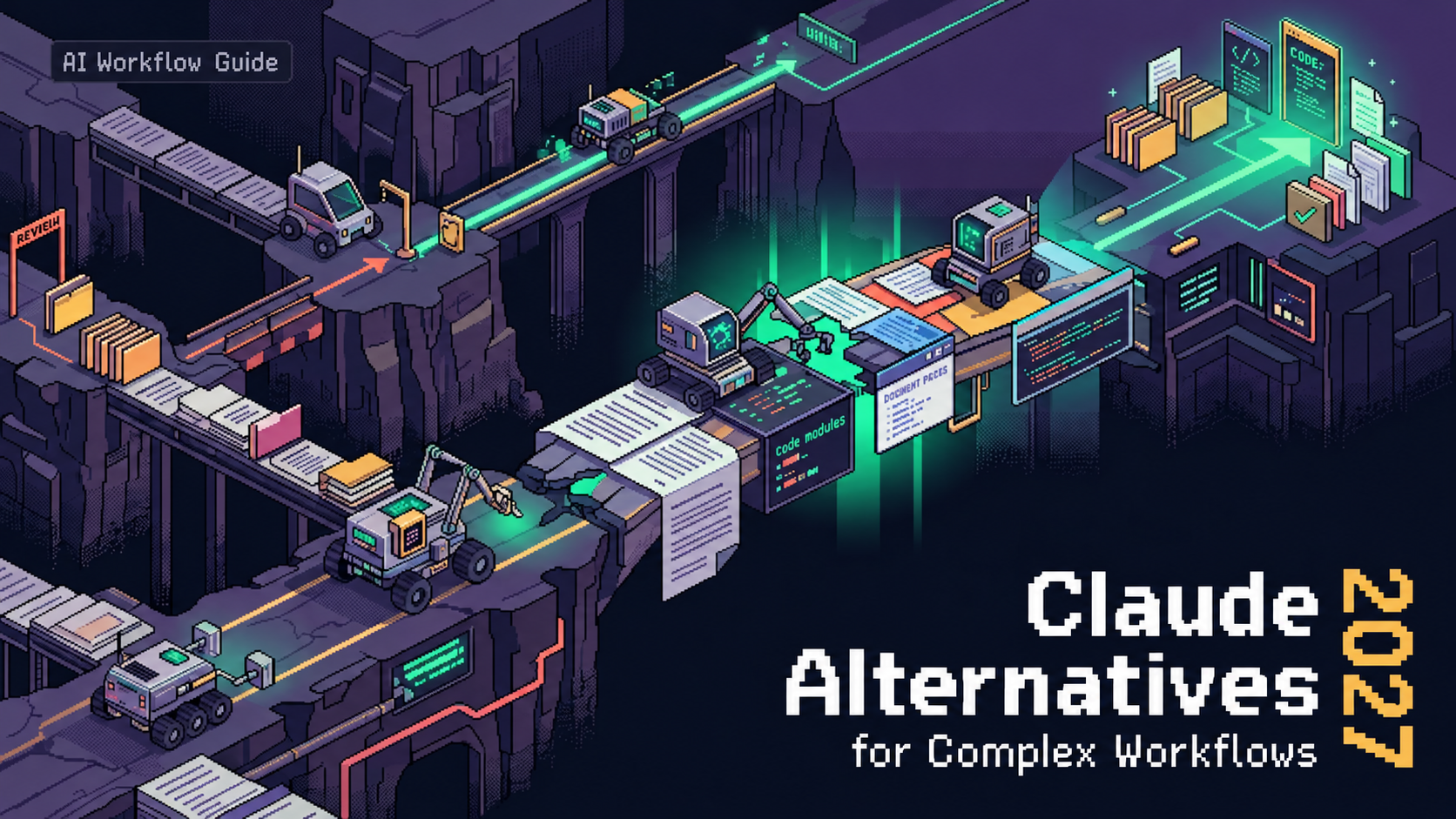
There's a specific kind of frustration that hits around the 45-minute mark of a Claude Code session. The first few commands were crisp. Then something got slower. Then a tool call failed. Then you realized your remaining session window was already half gone.
I've been through this enough times to stop treating it as bad luck. Here's what's actually happening — and what to do about it.
Why Claude Code Slows Down or Produces Inconsistent Results
Before jumping to fixes, it's worth being precise about what kind of slow you're dealing with. Claude Code performance issues don't all have the same root cause, and applying the wrong fix wastes more session time.
Context Window Overload
This is the most common culprit, and it compounds silently.
Claude Code does not send a single prompt to the API and wait for a response. Each interaction is a multi-turn conversation that includes the system prompt, the accumulated conversation history, the contents of files pulled into context, and tool-use tokens generated by operations like file reads, bash command execution, and codebase search. A seemingly simple "edit this file" command can consume between 50,000 and 150,000 tokens in a single API call once the full context window is assembled.
The tricky part: every follow-up message in the same session appends to this context. What starts as a 40k-token session becomes 200k+ by message 12. The model is slower, responses drift, and the session budget evaporates.
Claude's context window size is 200K tokens across all models and paid plans, except for Enterprise plans, which have a 500K context window on some models. Hit that ceiling and you're either getting truncated responses or a hard stop.
Tool Call Failures and Retry Loops
A single user-visible command in Claude Code can generate multiple API calls due to tool use. A "lint → fix → test → fix" cycle might produce 8 to 12 API calls within 60 seconds. When one of those tool calls fails — a bash command that times out, a file read that hits a permission error — Claude doesn't necessarily surface the failure cleanly. It retries. Each retry consumes tokens and real-time latency. You see the session hanging; what's actually happening is a retry loop that's billing you for the confusion.
Prompt Drift
This one I kept underestimating. Your CLAUDE.md or equivalent skill files accumulate instructions over time. Old constraints that applied to one project stay in. Contradictory guidance builds up. Each new request loads the entire file into context — including the parts that no longer apply and the parts that actively conflict with each other.
A bloated, contradictory skill file doesn't just consume tokens. It confuses the agent. You get slower, less decisive responses because the model is trying to reconcile instructions that can't both be true.
Model Rate Limits
This is worth being concrete about, because the dashboard numbers are genuinely misleading.
The scenario is familiar to any developer working with Claude Code. The Anthropic dashboard reads 6% usage for the day, plenty of quota remaining by any reasonable interpretation. And yet you're throttled. The reason: Claude Code rate limits operate as a system of three independent, overlapping constraints. The dashboard percentage reflects only one of them.
In addition to the 5-hour rolling windows, Anthropic now enforces weekly rate limits that reset every seven days. These include an overall usage cap plus a separate weekly cap for Opus models.
March 2026 added another layer — Anthropic introduced adjustments to 5-hour session limits specifically during peak hours (weekdays, 5am–11am PT). Heavy agentic workflows during those windows will drain faster than identical work run at night.
Fixes You Can Apply Now
Context Management
The most immediate lever. Start a new session when you notice response quality degrading or speed dropping — don't try to continue from a bloated context.
When your conversation approaches the context window limit, Claude summarizes earlier messages to continue the conversation seamlessly. Your full chat history is preserved so Claude can reference it even after summarization. The /compact command forces this earlier, before the window is fully saturated. Use it proactively — around the 60–70% mark — rather than waiting for degradation to become visible.
For CLAUDE.md and project instructions: keep them short and task-specific. The official guidance from Anthropic's support documentation is to use project instructions for general context and role, and reserve task-specific instructions for the individual session. Don't let skill files become dumping grounds.
Tool Call Optimization
Reduce the tool surface area. If a task doesn't require bash execution, don't give Claude an open bash tool. Explicit permission scoping means fewer unnecessary tool calls, which means fewer potential failure points and retry loops.
Add explicit error handling expectations to your prompts. Something like "if this command fails, stop and report the error rather than retrying" sounds obvious but genuinely changes behavior. Claude defaults to persistent — which is usually a feature, but in a rate-limited session it's a budget drain.
Set retry limits explicitly for any automated workflow. A loop with three retries and exponential backoff is controlled. An uncapped retry loop in a complex agentic session is a session-killer.
Prompt Hygiene
Every few weeks, audit your skill files and CLAUDE.md contents. The test is simple: read every instruction and ask whether it's still true for the current project. Remove anything outdated. Resolve any contradictions. If two instructions conflict, the model will try to satisfy both — slowly and inconsistently.
If you're using CLAUDE.md across multiple projects, be especially careful about project-specific instructions that have migrated into a "global" file. They add noise to every request, even when they're irrelevant.
Rate Limit Workarounds
Schedule intensive sessions outside peak hours. Off-peak means outside 5am–11am PT on weekdays. Overnight and weekend sessions avoid the throttling that affects working-hours usage most aggressively.
Break large projects into smaller, discrete sessions rather than one long multi-hour run. This limits how much context gets accumulated per billing cycle and keeps each session's token budget more predictable.
For API users, the Anthropic rate limit documentation is the authoritative current reference. Specific numbers change without notice — verify before architecting workflows around specific thresholds.
Use /model to switch to a lighter model for simpler subtasks within a session. Not every step in a coding workflow needs Opus. Sonnet handles code reading, search, and file operations efficiently at lower token cost.
The Problem With One-Off Fixes
Here's what I kept noticing: I'd apply one of the above fixes, have a clean session, and then two weeks later hit the exact same issue. Different project, same failure mode.
The reason is structural. These fixes live in your head. Or in a chat log you'll never find it again. Or in a mental note that evaporates before the next session.
Every developer who has fixed a Claude Code performance issue has done it again the following week. Because the fix isn't attached to anything persistent. The next agent run starts from zero — same context bloat pattern, same retry behavior, same bloated skill file — because nothing captured what worked last time.
This isn't just a personal productivity problem. It's a fundamental property of how current agent infrastructure handles experience: successful fixes evaporate at session end.
Makingfixes Inheritable
This is where engineering conversation gets more interesting.
When a fix works — a specific retry strategy that stopped a failure loop, a context compaction pattern that kept sessions stable across 20+ commands, a tool permission scope that reduced unnecessary calls by 40% — that fix has real value. The question is whether it stays useful beyond the session it was discovered in.
The approach that EvoMap's GEP protocol is exploring: when a fix works, encapsulate it as a validated asset — a Capsule — that another agent can inherit without rediscovering the solution from scratch. The protocol loop is local evolution → publish as a Gene/Capsule bundle → hub validation and ranking → inheritance by other agents across models and sessions.
The engineering value isn't "magic automation." It's simply that a fix which worked under specific conditions gets preserved with its conditions documented, scored for quality and reuse signal, and made available for inheritance. The next agent that hits the same timeout pattern doesn't start from zero.
The repair strategy from that OpenHarness run becomes a Capsule, published via POST /a2a/publish. After passing validation, it's promoted. Another agent — running on any harness, on any model — can fetch it via POST /a2a/fetch and inherit the fix.
This is a different layer than the fixes above. Those fixes are tactical. Capsule inheritance is an attempt to make tactical fixes durable across sessions and agents — to break the cycle of fixing the same problem repeatedly.
When to Consider Alternatives to Claude Code
Claude Code is genuinely strong. Claude Code achieves 72.5% on SWE-bench versus Codex's ~49% — a 23-point gap. SWE-bench tests real GitHub bug fixes, not synthetic tasks. This gap is significant. For complex multi-file reasoning and large codebase refactoring, that performance advantage is real and worth the trade-offs.
But the trade-offs are also real, and it's worth being honest about them.
If token efficiency matters more than reasoning depth: OpenAI Codex runs in isolated cloud sandbox containers and uses approximately 3x fewer tokens for equivalent tasks. It's included with ChatGPT Plus at $20/month. The trade-off is lower SWE-bench performance and less nuanced long-context reasoning.
If model lock-in is a problem: Claude Code runs Anthropic models exclusively. Tools like Aider (40k+ GitHub stars, BYOK) or OpenCode (112k+ GitHub stars, 75+ model providers) let you swap GPT-5.4, Gemini 3.1 Pro, or DeepSeek based on task type and cost. Gemini CLI offers 1,000 free requests per day with 1M context — a genuinely compelling free tier for lighter workflows.
If rate limits are the primary constraint: API access with pay-as-you-go billing (Opus 4.6 at $5/$25 per million tokens, Sonnet 4.6 at $3/$15) gives you precise cost control without subscription-tier throttling. The latency and throughput characteristics differ from the consumer plans, but for production agent workflows they're more predictable.
The honest summary: Claude Code is not the right tool for every workflow. If you're hitting rate limits mid-session weekly, spending more time managing context than writing code, or building multi-platform async workflows, the alternatives above address those gaps specifically. The question is whether Claude Code's performance ceiling is worth its operational constraints for your particular use case.
FAQ
Why does Claude Code slow down during long sessions?
Each message in a Claude Code session appends to the accumulated context — conversation history, file contents, tool call outputs. By message 10–15 on a complex project, you may be sending 150k–200k tokens per request. The model is slower, responses drift, and session budgets drain faster than expected. The fix is proactive context management: use /compact before the window saturates, not after.
How do I reduce token usage in Claude Code?
Three levers: shorten your CLAUDE.md and skill files (remove outdated and contradictory instructions), reduce tool surface area (scope permissions to what the task actually needs), and break large sessions into discrete smaller runs. Switching to Sonnet via /model for tasks that don't require Opus-level reasoning also reduces token cost significantly.
What are the best Claude Code alternatives in 2026?
Depends on your constraint. For token efficiency and model flexibility: Aider (BYOK, any provider) or OpenCode (75+ providers). For parallel async tasks and sandbox isolation: OpenAI Codex (bundled with ChatGPT Plus). For a free tier with generous limits: Gemini CLI (1,000 requests/day). For IDE integration over terminal: Cursor. Claude Code still leads on SWE-bench for complex real-world coding tasks — the alternatives address specific operational constraints, not raw capability.
How do I stop hitting Claude usage limits mid-workflow?
Shift intensive work to off-peak hours (outside 5am–11am PT weekdays). Break projects into shorter discrete sessions to limit context accumulation per billing window. For API usage, check Anthropic's current rate limit documentation directly — specific thresholds change without notice and the dashboard numbers reflect only one of three overlapping constraint layers.
Can Claude Code fixes be reused across different projects or agents?
Not natively. Session fixes live in chat logs or personal notes and don't transfer to the next run. The more interesting engineering question is whether successful adaptive behaviors — specific retry strategies, context patterns, tool scope configurations — can be preserved in a form that other agents can inherit. That's the layer that GEP protocol documentation is addressing: turning successful agent behaviors into cross-session, cross-agent inheritable assets. It's an emerging approach, not a solved problem — but the structural issue it's targeting (session-level amnesia for agent fixes) is a real limitation of how current agent infrastructure works.
I'll keep watching how the rate limit situation evolves through 2026 — Anthropic's infrastructure pressure is real, and the constraint tiers seem to be shifting faster than documentation can track. The fixes above work as of April 2026. Verify the specifics before building anything critical around them.
Previous Posts:
- How to set up MCP in Claude Code for better tool integration and performance
- What MCP actually does (and doesn’t do) in modern AI agent stacks
- The three-layer agent stack: MCP, CLI, and GEP explained
- Claude Code skills deep dive: how they work and how to structure them
- How agent hooks shape execution flows and tool-use behavior