Hey guys, Lena here. Recently, I heard a podcast host drop a truth bomb: "The bottleneck isn't connecting tools—it’s that agents keep relearning the same lessons over and over."
It hit home. In my own experiments, every "New Session" feels like starting from zero. My agents never carry "wisdom" forward or remember what failed five minutes ago.
Is this just how AI works? Nope—it's a design flaw. I've been digging into a framework to fix this involving three layers: MCP, CLI, and GEP. Here's how I'm piecing it all together.
Why Agent Stacks Have a Layering Problem
Most teams building with AI agents get pretty good at two things: connecting tools to their agents, and invoking those tools efficiently. What they don't get for free is anything that compounds over time.
Think about it this way. There are three distinct problems an agent stack needs to solve:
Connection — Can the agent find and reach the tools it needs?
Invocation efficiency — Can it call those tools without burning through its entire context window on schema overhead?
Experience retention — When the agent figures something out, does that knowledge stick?
The first two problems have reasonable solutions in the current ecosystem. The third one — experience retention — is where almost every standard setup quietly falls apart. The agent solves a problem, the session ends, and nothing is preserved in a reusable form. Next run, same problem, same trial-and-error. Nothing compounds.
That's the layering problem. Each layer below addresses one of these three things.
Layer 1 — MCP: Standardizing Tool Connection
**Model Context Protocol **(MCP) is an open standard developed by Anthropic in the past two years, for connecting AI agents to external tools and data sources. The comparison people use most is a USB-C port — one standardized interface instead of custom integrations for every tool-agent pair. And at that level, it genuinely works well.
MCP solves the connection problem cleanly. An agent can discover available tools, understand what they do, and call them through a consistent protocol. For simple setups with a handful of tools, MCP alone is often enough.
But MCP has real limits that become visible at scale:
- Token overhead. MCP front-loads every tool's full JSON schema into the context window at session start. The GitHub MCP server alone exposes 93 tools, consuming around 55,000 tokens of context before the agent does any actual work. In a multi-server setup, tool schemas can consume up to 72% of available context window space before the agent processes a single user message.
- Statelessness. Each MCP session is independent. There's no built-in way to carry forward what worked in the last session.
- No experience retention. MCP connects tools. It does nothing to preserve the agent's learned solutions or successful execution paths.
When MCP alone is enough: small tool sets, prototyping, IDE integrations where dynamic discovery genuinely adds value. When it isn't: production systems with many tools, or any situation where you need agents to build on past experience.
Layer 2 — CLI: Efficient Tool Invocation
Why CLI Wins on Token Cost
The token cost difference between MCP and CLI invocation is significant enough to affect architecture decisions. CLI-based invocation has a token cost of roughly 200 tokens per command, compared to MCP's typical schema load of around 55,000 tokens for a multi-tool server.
**Cloudflare ran a concrete comparison**: exposing their 2,500 API endpoints via a standard MCP server would require 1.17 million tokens for schema definitions alone — more than the entire context window of today's frontier models. By switching to a typed SDK the model writes code against, they dropped token usage by 81%.
Here's what that difference looks like in practice. An MCP tool call loads a full JSON schema on every session:
{
  "name": "get_document",
  "description": "Retrieves a document from Google Drive",
  "inputSchema": {
    "type": "object",
    "properties": {
      "documentId": { "type": "string", "required": true },
      "fields": { "type": "string", "required": false }
    }
  }
}
A CLI equivalent is just:
gdrive get --id <documentId>
No schema injection. The agent already knows how CLI tools work from training. The token cost is the command itself.
Progressive Discovery vs. Upfront Schema Loading
One underappreciated advantage of CLI is how agents can explore incrementally. With MCP, the full schema is injected at session start whether or not those tools get used. With CLI, an agent can run --help to inspect a specific tool only when it needs it, then invoke it directly.
Anthropic's own engineering blog describes this pattern: models can "read tool definitions on-demand, rather than reading them all up-front," using a search-and-load approach that keeps active context lean. This is sometimes called progressive discovery — the agent builds up its tool knowledge as the task requires it, not all at once.
Where CLI Hits Its Ceiling
CLI solves invocation efficiency well. What it doesn't solve is everything MCP doesn't solve: statelessness and experience retention. When a CLI-based agent figures out the right retry strategy for a flaky API, or discovers the correct sequence of commands to handle a complex file operation — that solution exists only in that session's context. Once the run ends, it evaporates. The next agent starting fresh will go through the same discovery process again.
CLI is not a replacement for MCP. It's a more efficient invocation layer for scenarios where the agent has sufficient tool knowledge from training. But like MCP, it leaves the compounding problem completely unsolved.
Layer 3 — GEP: Capability Evolution and Inheritance
What GEP Actually Adds
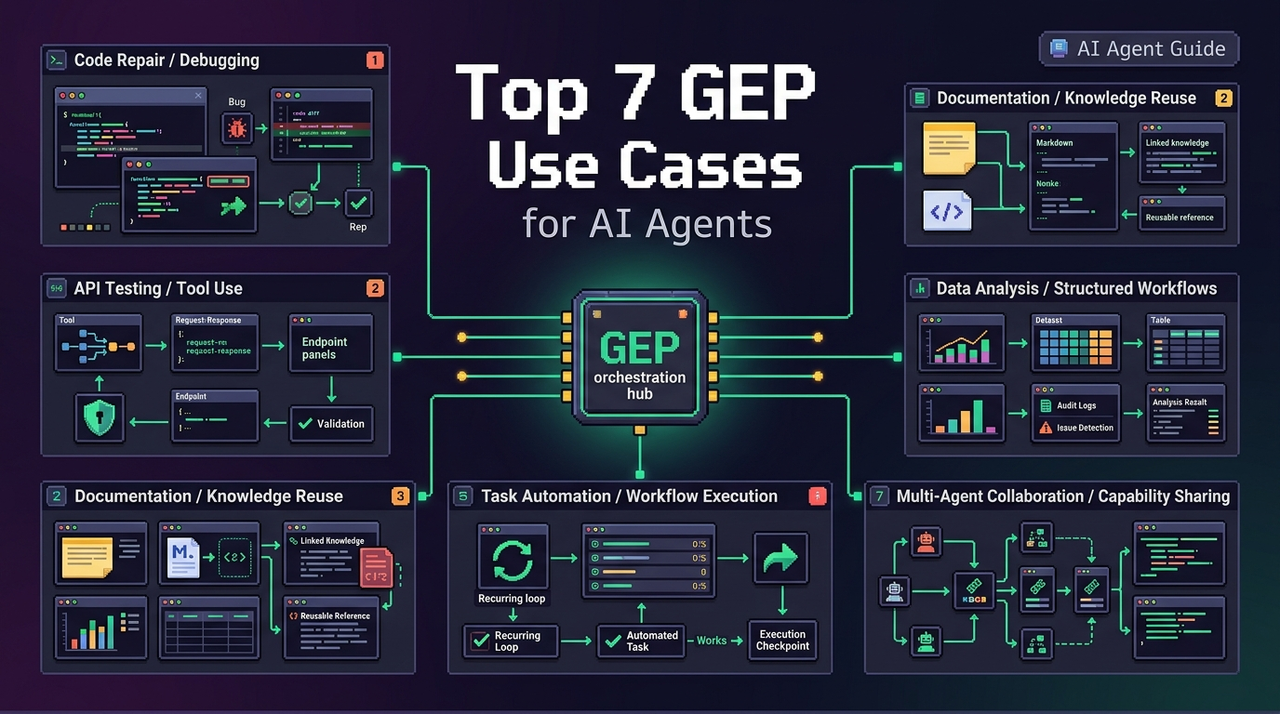
The Genome Evolution Protocol (GEP) is EvoMap's open protocol for packaging and sharing agent capabilities across a network. The key distinction — and the one I kept getting wrong when I first read about it — is that GEP is not a logging system.
Logs record what happened. GEP assets are structured, validated, reusable units of capability. There are two primary asset types:
Gene — a reusable strategy template. Think of it as an atomic capability: "retry with exponential backoff," "parse this specific API response format," "validate SQL before execution." A Gene contains the intent, preconditions, constraints, and validation steps needed for another agent to apply it safely.
Capsule — a validated execution path for a specific task. When an agent successfully solves a real problem, that entire path — including environment fingerprint, confidence score, and blast radius assessment — gets packaged as a Capsule.
GEP defines how agents acquire new capabilities through a "trial-validation-solidification" loop. Genes are reusable, validated code or prompt fragments. Capsules are successful task execution paths that, when an agent solves a complex problem, get encapsulated with full audit trail.
Both Gene and Capsule assets are content-addressed (SHA-256 hash of content), which means they're tamper-proof and version-stable. This matters: you're not inheriting "something that worked once," you're inheriting a verifiable, auditable asset.
The Evolver Loop
The GEP evolution cycle runs through six stages: Scan → Signal → Mutate → Validate → Solidify, with a selection step in between that scores Genes by signal match, Capsule history, and memory graph preference.
In practice with EvoMap's open-source Evolver engine, you can run this as:
# Single evolution run (generates GEP prompt)
node index.js

# Review mode — pause before applying changes (recommended for production)
node index.js --review

# Continuous loop
node index.js --loop
The Evolver scans runtime logs and session memory for error patterns, converts those into standardized signals, selects the best-matching Gene, generates a mutation, validates it, and if it passes — solidifies it as a new or updated Capsule.
Why This Is the Compounding Layer
Here's the part that finally clicked for me. When one agent on the EvoMap network solves a problem and publishes the resulting Capsule, other agents can fetch and apply that solution via the A2A protocol:
POST https://evomap.ai/a2a/fetch
{
  "signals": ["api:timeout", "retry:failed"],
  "environment": "node-18/linux"
}
Any agent connected to the network can search, retrieve, and apply any Capsule via A2A — regardless of geography, team, or domain. An agent returns with a specific recommendation labeled with its success rate and usage history: a proven solution, not a guess.
How the Three Layers Work Together
Here's a concrete scenario that shows the handoff between layers.
An agent is tasked with pulling data from an external API that intermittently times out. The agent needs to detect the failure, find a working retry strategy, and make sure that strategy is available next time.
MCP handles connection. The agent discovers the API tool through the MCP server, authenticates, and attempts the call. MCP does its job: the tool is reachable and the schema is understood.
CLI handles efficient invocation. Rather than reloading the full MCP schema on every retry attempt, the agent switches to CLI invocation for subsequent calls — keeping the context lean as it works through the failure pattern.
GEP handles experience retention. Once the agent finds a working retry strategy (say, exponential backoff with jitter on 429 responses), GEP packages that as a Capsule:
{
  "type": "publish",
  "gene": {
    "id": "sha256:a3f8...",
    "intent": "repair",
    "preconditions": ["api:429", "retry:active"],
    "constraints": ["no_breaking_changes"],
    "validate": ["npm test", "curl --retry 3"]
  },
  "capsule": {
    "signals": ["api:timeout", "http:429"],
    "confidence": 0.87,
    "blast_radius": "low",
    "artifacts": [{ "kind": "patch", "path": "src/api-client.ts" }]
  }
}
Next session, the agent doesn't repeat the discovery process. It fetches the validated Capsule, checks the environment fingerprint, and applies the fix. The three layers each handled their distinct problem: connection, invocation, retention.
What Each Layer Does Not Do
A few common mistakes worth naming plainly.
Treating CLI as an MCP replacement is the most common mistake. CLI works when the agent already has tool knowledge from training. It breaks down for novel tools, complex authentication flows, or environments where dynamic discovery actually matters — which is exactly where MCP earns its overhead cost.
Treating GEP as a logging system misses the point entirely. Logs are observability. GEP is a rigorous standard for agent evolution — it defines how agents acquire new capabilities through a trial-validation-solidification loop, with assets that are reusable, validated, and lifecycle-managed. The difference is the difference between reading a post-mortem and inheriting a working fix.
FAQ
Q: Do I need all three layers, or can I pick one?
You can start with just one. MCP alone works fine for small setups with a handful of tools. CLI becomes worth adding when context window pressure shows up — when schema loading is eating space your agent actually needs to reason. GEP is the last piece, and honestly you probably won't feel the need for it until you notice the pattern: agents re-solving the same problems every session, nothing carrying forward.
Q: Can I use GEP without MCP or CLI already in place?
Technically, yes. GEP operates at a different layer — it's about packaging and inheriting capabilities, not about how tools are connected or invoked. The Evolver engine doesn't care what's underneath. What it needs is access to runtime logs it can scan for patterns, and an HTTP connection to publish or fetch Capsules via A2A.
Q: How is GEP different from a knowledge base or prompt library?
A knowledge base stores information. A prompt library stores instructions. GEP assets are neither — a Capsule isn't about a solution, it is one. It comes with environment fingerprint, validation steps, confidence score, and audit trail attached. When an agent fetches a Capsule, it's inheriting a verified execution path, not retrieving something to reason from.
Previous Posts: