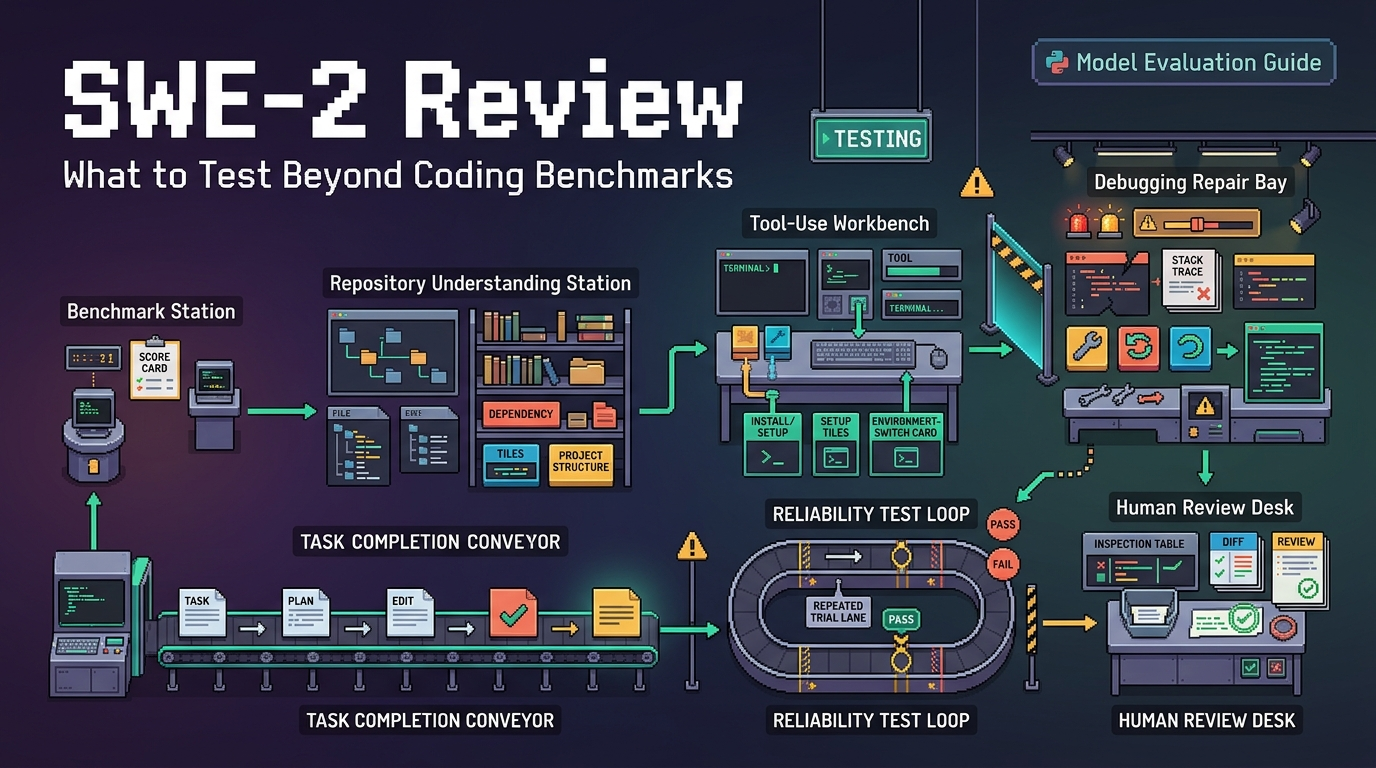
An Obsidian Claude Code workflow does not need to turn your whole vault into “agent memory.” I would keep it much narrower: retrieve one approved architecture decision record, apply that decision inside one repository, review the code and test evidence, then append one implementation note back to Obsidian.
That boundary matters. Obsidian can be a useful coding agent knowledge base because the source note remains visible and editable, while Claude Code can work against the repository with its own permission and worktree controls. The risky part is when retrieval quietly becomes unrestricted vault access, or when an agent writes back before anyone has checked what actually changed.
I'm Lena. I paused here because the cleanest workflow is not the most automated one. It is the one where every handoff is obvious.
| Stage | Agent access | Human gate |
|---|---|---|
| Retrieve | One ADR through scoped CLI reads | Confirm the exact note and decision |
| Apply | One repository or isolated worktree | Review diff and validation |
| Append | Reviewed evidence only | Approve the final vault write |
Define the Vault-to-Code Task
Retrieve one architecture decision record
Start with one ADR, not “all relevant project context.” Assume a fictional vault named Engineering, with the decision stored at Architecture/ADR/ADR-0042.md. The repository is a separate fictional project at ~/work/acme-api.
The retrieval goal is simple: locate the ADR, read its exact contents, and give Claude Code only the decision needed for the current change. Obsidian’s current CLI supports vault targeting, folder-scoped search, exact path targeting, and file reads. Its documentation also states that vault=<name-or-id> must appear before the command when you explicitly target a vault.
A controlled lookup could be:
obsidian vault="Engineering" search query="ADR-0042" path="Architecture/ADR" format=json
obsidian vault="Engineering" read path="Architecture/ADR/ADR-0042.md"
Use the exact path= after search rather than relying on a short filename when several notes could resolve to the same name. This is a small detail, but it removes a surprisingly large ambiguity from vault automation.
Append one reviewed implementation note
The write-back should not become a second autonomous task. It should record what a human has already reviewed: which ADR was applied, which repository change represents it, what validation ran, and any limitation still open.
I would not let Claude invent “evidence” from its own narrative. Evidence should come from inspectable repository state: the final diff, test output, and, when applicable, the commit identifier. The note can summarize those facts, but it should not replace them.
Prepare the Vault, Repository, and CLI
Back up the vault before the first write. Keep the ADR folder separate from personal notes, credentials, meeting transcripts, or anything Claude does not need. For this workflow, I would not expose the entire vault through Claude Code’s additional-directory access. Let Obsidian CLI perform the specific vault reads instead, and keep Claude Code rooted in the repository.
As of September 3, 2026, Obsidian’s official help says the CLI requires the Obsidian 1.12 installer, currently specifying installer version 1.12.7 or later. The desktop app must also be running; if it is closed, the first CLI command launches it. Check the current Obsidian CLI documentation before publishing commands because CLI behavior is exactly the sort of detail I would rather re-check than quietly assume.
On the Claude side, start with a conservative permission mode. Anthropic currently documents default as keeping edits and most Bash actions behind approval, while allowing a built-in set of read-only commands without prompting., while plan is intended for exploring a codebase without editing source files. Permission rules can also deny access to sensitive paths explicitly.
That is also consistent with the access model described in NIST’s published agent tool-use taxonomy, which separates read-only, constrained-write, and broader write access when thinking about agent systems. For this developer knowledge workflow, I would rather grant too little and approve one extra action than quietly give a coding agent access to folders it never needed.
Retrieve Context Before Editing Code
The first Claude Code prompt should be a reading task, not an implementation task. Give it the retrieved ADR and ask for three things in prose: the architectural constraint, the repository areas likely affected, and any ambiguity that should block editing.
That creates a useful review point. If the ADR says all outbound HTTP calls must use a shared retry policy, Claude should not immediately change five clients. It should first identify where outbound calls exist and which policy the repository currently uses.
If that reading is wrong, stop there. If it is right, move into a separate editing phase. This is where plan mode earns its keep: the architecture decision is context, but it is not permission to change everything that happens to relate to the topic.
Apply the Decision and Capture Evidence
For a non-trivial change, isolate the work. Claude Code now documents its own --worktree workflow, while Git defines worktrees as separate working directories that share repository history.
A fictional session could begin with:
cd ~/work/acme-api
claude --worktree adr-0042-retry-policy
The current Git worktree documentation is worth keeping nearby when you need to inspect, list, repair, or remove worktrees independently of Claude.
Then give Claude one bounded instruction: implement ADR-0042 only in the identified module, preserve behavior outside that scope, run the repository’s approved validation, and report required follow-up rather than expanding the task on its own.
The evidence should be boring in the best way. Read the diff. Check the changed file list. Run or re-run the relevant tests yourself when the change matters. If there is a commit, record its identifier.
Claude Code also saves conversation data locally as JSONL session files and snapshots affected files before changes, according to its current documentation. I would treat that as operational history for resuming or rewinding a session, not proof that an implementation is correct.
Write Back Only After Human Review
Once the implementation has passed review, prepare one short evidence note. A stable structure makes later retrieval much easier:
ADR: ADR-0042
Repository: acme-api
Reviewed change: retry policy applied to outbound billing client
Evidence: reviewed diff; targeted tests passed
Commit: <reviewed-commit-id>
Open issue: none
Reviewed by: human
Then append it to a known project note:
obsidian vault="Engineering" append \
  path="Projects/Acme/API/implementation-log.md" \
  content="\n## ADR-0042 implementation\nADR: ADR-0042\nRepository: acme-api\nEvidence: reviewed diff; targeted tests passed\nCommit: <reviewed-commit-id>\nReviewed by: human"
Obsidian documents append as adding supplied content to a target file, with path= available for exact file selection. After writing, read the note back once. That final read is cheap, and it catches wrong-vault, wrong-path, quoting, or duplicate-write mistakes before they become durable project knowledge.
Common Failures and Recovery
The first failure is targeting the wrong vault. If the terminal is inside a vault, Obsidian can use that vault by default; otherwise the active vault may be used. For this workflow, make vault= explicit and put it first.
Another failure is giving Claude more access than the task requires. Do not add the whole notes directory simply because one ADR lives there. Keep sensitive paths denied, approve shell calls deliberately, and avoid bypass-permission modes on a normal workstation.
Worktrees add their own recovery boundary. Before resuming an old coding session, check git status and git worktree list. Claude Code currently documents automatic worktree creation and cleanup behavior, including different handling when changes remain, but I would verify those details again before publication rather than treating them as permanent policy.
Retries can also duplicate an implementation note. The official Obsidian CLI documentation does not describe append as an idempotent operation. Search the destination note for the ADR ID or reviewed commit before running a second append.
FAQ
Can Obsidian Bases supply structured context to Claude Code?
Yes, conditionally. Obsidian CLI currently provides base:query, with documented formats including JSON, CSV, TSV, Markdown, and file paths. Claude Code can consume that output if your workflow passes it in or allows the relevant command. This is not a documented native Obsidian-Claude integration, so keep the query bounded and inspect what came back before treating it as authoritative context.
Do plugin-generated commands produce stable machine-readable output formats?
Official Obsidian documentation says the CLI can list commands registered by plugins and execute them by command ID. I found no official general guarantee for stable machine-readable schemas from arbitrary plugin commands. I do not have a confident answer beyond that, so I would treat output contracts as plugin-specific rather than assume automation stability.
Can Claude Code retrieve embedded Canvas content through CLI?
The current CLI reference does not document a Canvas-aware retrieval command. Obsidian does document that .canvas files use the open JSON Canvas format. Raw file access therefore gives you another possible route, but I would not claim that Obsidian CLI currently performs semantic extraction of embedded Canvas content for Claude Code.
Are wikilink aliases preserved when Claude Code appends notes?
Obsidian documents alias inspection and content append operations, but I found no published guarantee specifically covering wikilink-alias preservation during append. If alias syntax matters, append the exact reviewed text and immediately read the destination note back.
Can Obsidian Headless replace the desktop app in this workflow?
Not as a drop-in replacement for the same CLI workflow. Obsidian currently describes Headless as an open-beta standalone client for services including Sync and Publish, while Obsidian CLI controls the desktop application. Headless could place a synchronized vault on a server for a different file-based agent workflow, but the official documentation does not position it as a full implementation of the desktop CLI command surface. (Obsidian)
Conclusion
The useful version of Obsidian Claude Code is deliberately small: one ADR comes out, one reviewed code change happens, and one evidence note goes back.
That is enough to make Obsidian part of a developer knowledge workflow without pretending the vault is autonomous memory or giving a coding agent permanent write authority over project knowledge. Keep the vault backup current, keep permissions narrow, keep worktrees inspectable, and make human review the only path to write-back.
That’s where I’ll leave it for now. The interesting question is not how much of the vault an agent can reach. It is how little access you can give it and still complete the loop.
Previous Posts:
- If you want to compare this vault-to-code flow with another coding-agent control surface, T3 Code review shows how provider CLIs, permission modes, diffs, and PR handoff can be managed in one workspace.
- For the permission side of connecting Claude Code to external tools, Claude Code MCP security explains why tool trust, scoped access, approvals, and sensitive paths need clear boundaries.
- To avoid confusing Obsidian notes with real agent memory, agent workflow memory explains how reusable routines and validated experience differ from ordinary stored context.
- If you want the broader architecture behind this handoff, AI agent architecture tools memory planning maps how planning, memory, tools, orchestration, permissions, and recovery fit together.
- For the evidence layer behind a reviewed write-back, deterministic replay for LLM agents shows what records should survive around file reads, code changes, tests, approvals, and final artifacts.