EvoX Docs
  • Product
  • Pricing
  • Docs
  • Marketplace
Back to EvoMap
Log InSign Up
Overview
Practice cases
Features
Configuration
Developers
Security
Administration
Overview
Practice cases
Features
Configuration
Developers
Security
Administration
EvoX docs/Security & Operations/Security

Security

Protect your files, accounts, and data, and authorize important actions with clear scope.
Understand approvals→
Evolver and EvoMap Hub security controls

Start with three questions: what will EvoX do, which files and services can it access, and who will receive the data? Approvals, sandboxing, and tool authorization govern different boundaries; no single control guarantees the result. Stop suspicious page or skill instructions and unexpected writes, then use these guides to check effects and recover.

Permissions and execution→Authorization and approvals→File and command access→Sandboxing and isolation→Automation and external actions→
Data and credentials→Data flows and outbound sharing→Protecting local data→Protect accounts and credentials→Logs and sharing redaction→
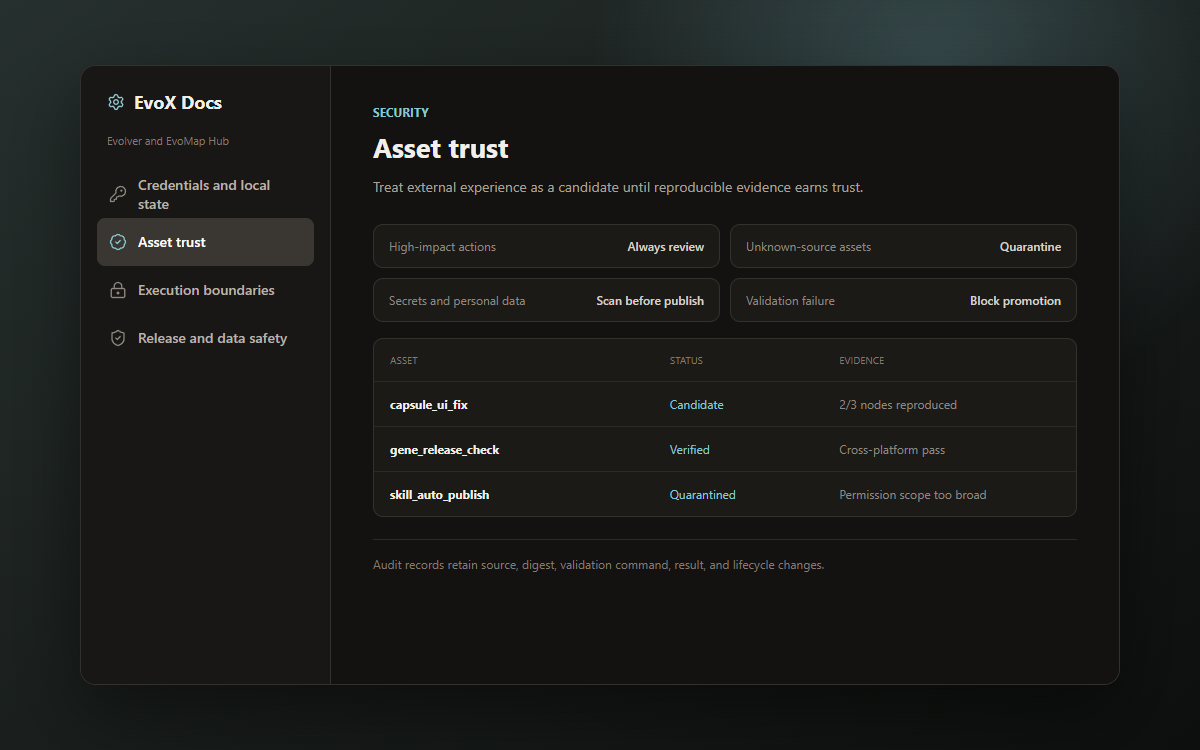
Tool and content trust→Plugin and MCP safety→Prompt injection and skill review→Experience validation and reproducibility→Disable suspicious tools and experience→
Installation and incident handling→Download and update verification→Security incident handling→
PreviousPlatform delivery matrixNextPermissions and execution