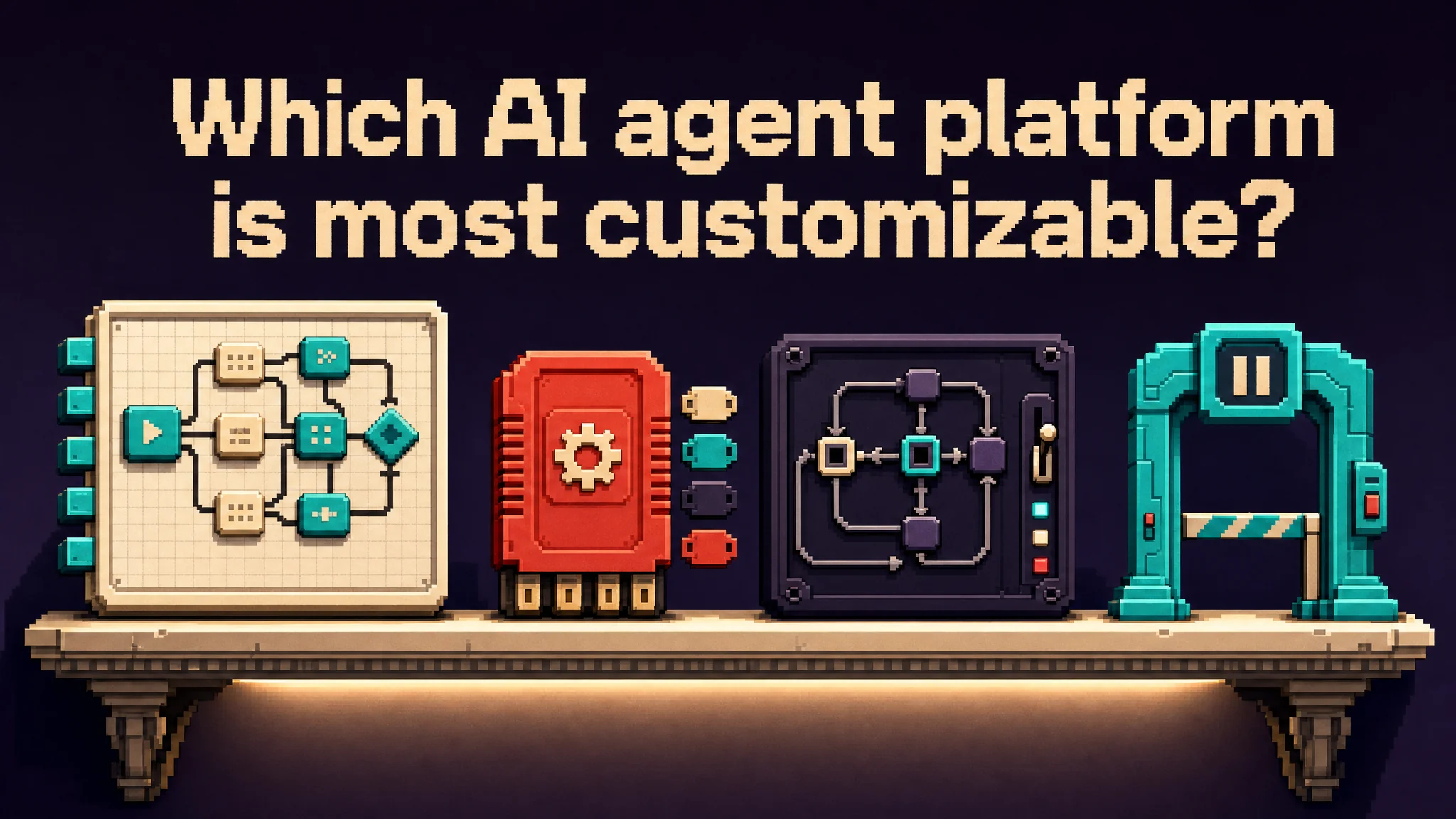
Build a custom AI agent workflow by connecting a trigger, task stages, shared state, and completion checks around a specific business process. Decide which transitions should follow fixed rules and where an agent may choose its next action. A custom workflow should reflect the process's real handoffs, not just chain several prompts together.
Consider an illustrative weekly project report. Intake receives project_id, week, approved_notes, and plan_version; it rejects missing identifiers. Extraction returns change_id, source_excerpt, owner, and reported_date for each change. Comparison joins those records to plan milestones and returns milestone_id, previous_date, proposed_date, and evidence. Keeping those fields separate lets a reviewer trace each proposed change back to an approved note.
Define business-specific branches. An unchanged date enters the report automatically; a changed date becomes needs_owner_review; contradictory notes become blocked_conflict. The drafting stage accepts only unchanged or approved changes and returns report_id plus included change_ids. The team chooses these branches because its weekly report may describe progress but cannot itself authorize a schedule change.
Record project_id + week + plan_version as the run key, with each stage's input revision, output location, and completion status. If drafting stops, resume from the saved comparison result; if notes changed, rerun extraction and invalidate dependent results. Before creating the final report, check for a completion record containing its document identifier. Test one conflicting update and one interrupted creation. A finished run must identify the delivered report and list unresolved changes, so partial progress cannot masquerade as an approved update.
Source: Anthropic, Building effective agents. The project workflow is illustrative.